You spent two hours on the piece and four minutes on the photo, and the photo is the only part anybody ever sees.
That is the uncomfortable arithmetic of selling anything made by hand online. The object can be excellent and the listing can still fail, because the buyer is not choosing between your product and somebody else's product. They are choosing between your photograph and somebody else's photograph.
Tip
Short answer: start with broad side light, control glare, and lead with a clean view of the whole object. Add an edge view, a useful detail and a context shot. Keep the material color, actual depth and dimensions honest.
Why this work is harder to photograph than it looks
Most product photography advice is written for objects that have colour. A mug, a shirt, a candle. Point a soft light at it, and the colour does the work.
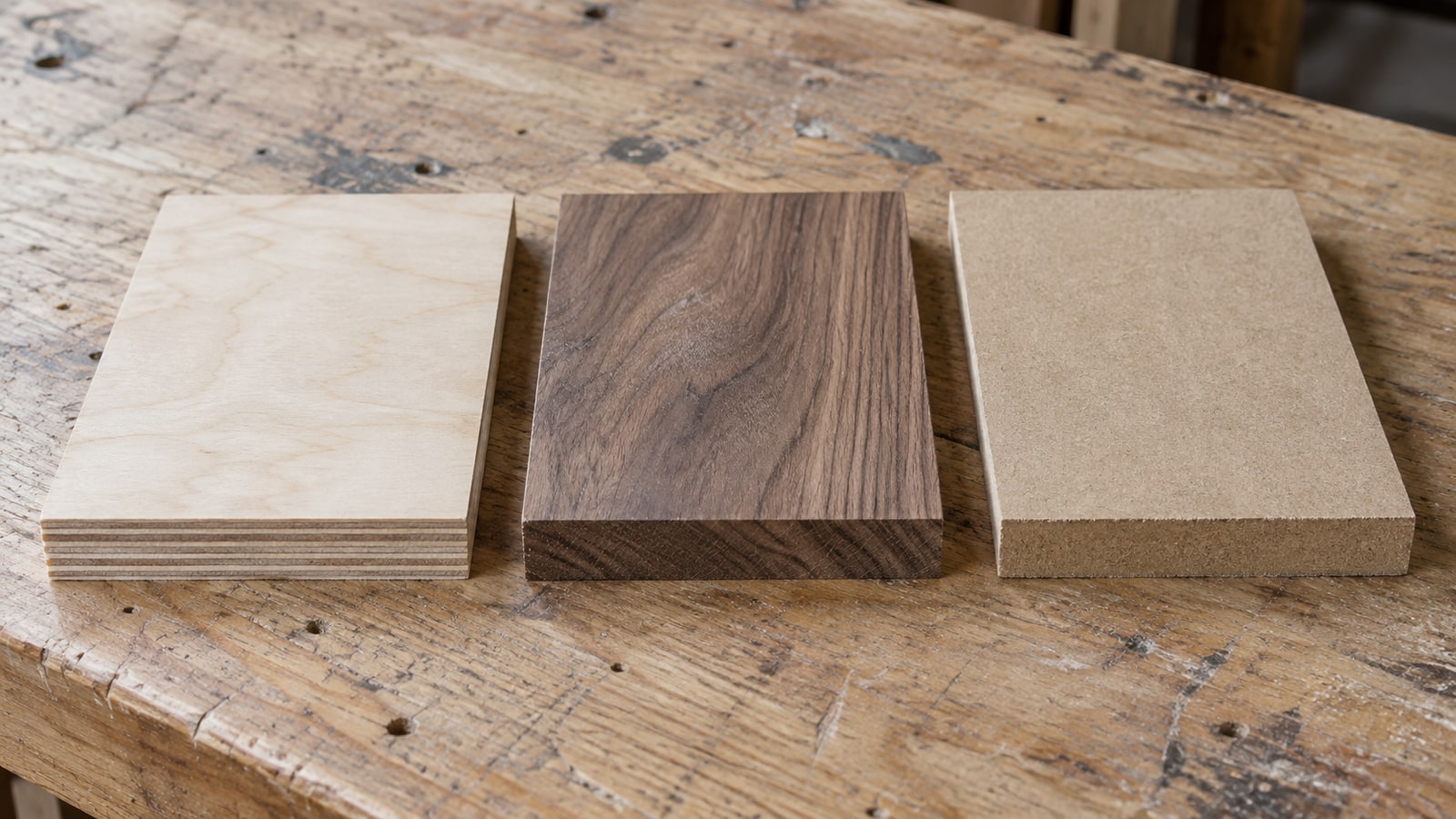
Wood and engraved marks may have limited contrast, depending on the species and finish. An ordinary laser engraving can be shallow enough to read mostly as a change in color and sheen. A carved relief has actual depth. Photograph the treatment you have rather than trying to make every piece look sculpted.
Use the main view to show the design clearly. An additional angled image can show material thickness, cut edges and surface texture without exaggerating them.
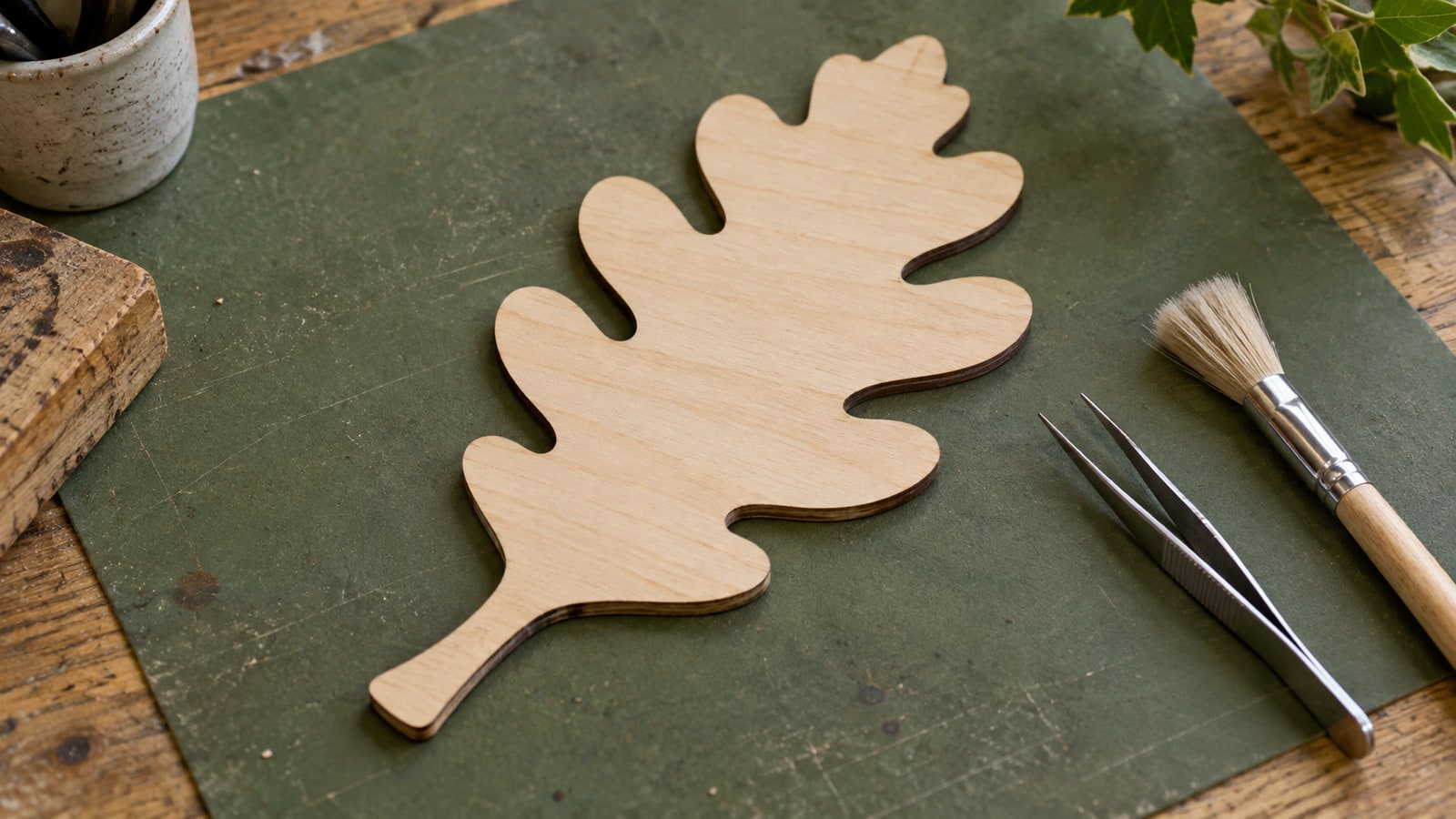
Cut pieces have the mirror-image version of the problem. The interesting thing about a cut-through sign is that light and background pass through it, and photographed flat against a matching surface it just looks like a solid shape with dark patches.
Light is the whole game
If you fix one thing, fix this.
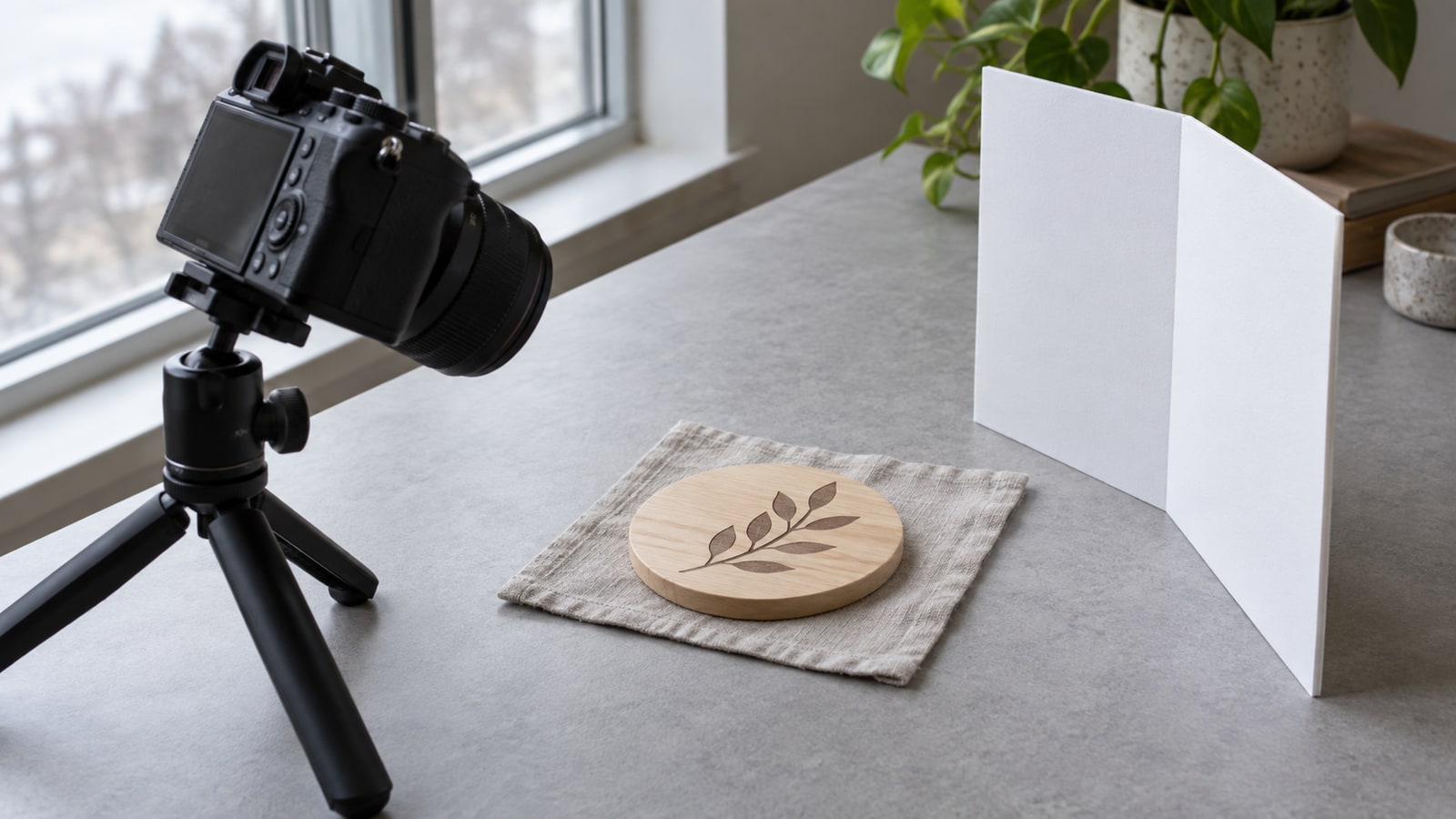
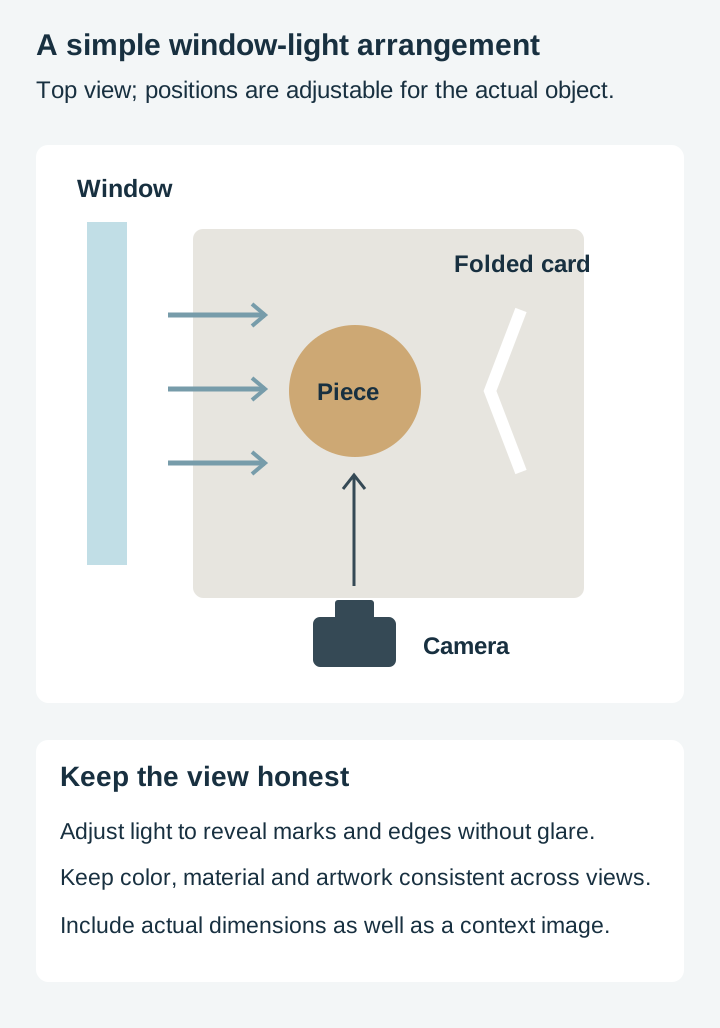
Use one main light, from the side. A window is ideal, and free. Put the piece near it, with the light coming across the surface rather than at it. Then rotate the piece slowly and watch what happens: at some angle the engraving will suddenly separate from the wood and the texture will appear. That is your angle.
The term for this is raking light, and it is what furniture and stone photographers use for exactly the same reason. It is useful for a texture detail, though the main image may need a broader, higher light to keep the artwork readable.
Do not use your camera flash. An on-camera flash is a light source in precisely the worst position: directly in line with the lens, filling every bit of texture with light and flattening the whole thing. It also produces a hard bright spot on any finished surface.
Avoid mixed room lighting. A warm ceiling bulb combined with daylight can create uneven color. Switch off competing lights, or use a controlled artificial-light setup with a consistent color temperature.
Fill the shadow side, gently. Strong side light gives you texture and a very dark opposite side. A piece of white card propped just out of frame bounces enough light back to keep detail there. This costs nothing and it is the difference between dramatic and unreadable.
Overcast daylight is a useful starting point. A diffused studio light can offer better repeatability. With window light, watch for changing brightness between shots; Adobe’s product photography guide discusses controlled lighting and multiple views.
Backgrounds, and the order to shoot in
There are two jobs and one photo cannot do both.
The clean shot answers what is this. Plain, uncluttered background, the whole piece visible, nothing competing with it. This is the shot somebody actually decides from, and it should be first.
The context shot answers what would this be like to own. The sign on a wall, the coaster under a mug, the ornament on a tree. This is what makes somebody want it, and it belongs after the clean one.
For the clean shot, choose a plain background that separates from the piece. White works when exposure and edges remain clear; a neutral mid-tone can be easier to manage for pale or reflective objects. Linen, plain paper, weathered wood, a plain painted board.
For cut-through work specifically, shoot against a contrasting background so the openings actually read. A dark cut piece on a pale wall shows what it is. The same piece on a mid-brown table becomes mud.
Scale is the thing people forget
A context image helps communicate scale, but it does not replace dimensions.
Put something recognisable in the frame: a mug, a hand, a set of keys, a coin. Or photograph the piece doing its job, which handles scale and context at the same time. A coaster with a glass on it gives a useful size cue. Include the coaster’s actual diameter as well.
This matters more in this category than in most, because the same design is often sold at wildly different sizes. A buyer who assumes your ornament is twice the size it is will be disappointed by the actual object, and that disappointment becomes a review.
Angles worth having
You do not need many, but you need the right ones.
Straight on, filling the frame. The reference shot.
Low and raking. The one that shows engraving texture and cut edges. Get down close to the surface.
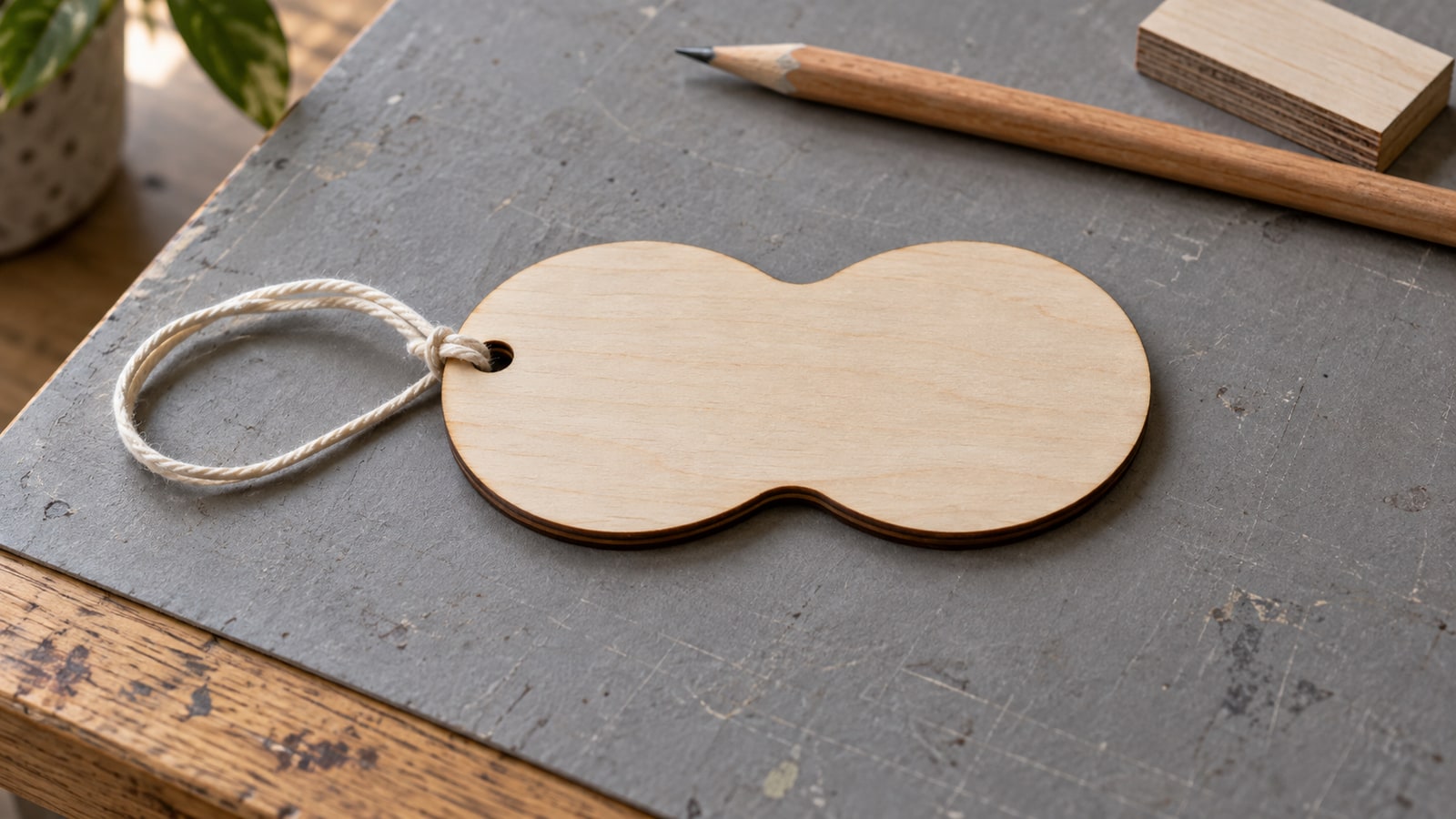
At an angle, showing thickness. Material thickness is part of what somebody is buying, and it is invisible in a straight-on shot. A three quarter angle shows the edge and makes the piece look like an object rather than a graphic.
A detail crop. Close on the finest part of the work. This is where quality is visible and where you separate yourself from a mass-produced version of the same thing.
In use, or in place. The context shot.
These views cover different buyer questions. Keep the same object, finish, background and light consistent wherever the images form a sequence.
The mistakes that cost sales
Worth listing plainly, because they are all easy to fix and all extremely common.
Uncontrolled mixed lighting. Color shifts and glare can make the material hard to judge.
A cluttered background. Anything in frame that is not the product is competing with the product.
Only one photo. A single image gives a buyer no way to judge scale, thickness, or finish quality.
Every photo from the same angle. Five near-identical shots do the work of one.
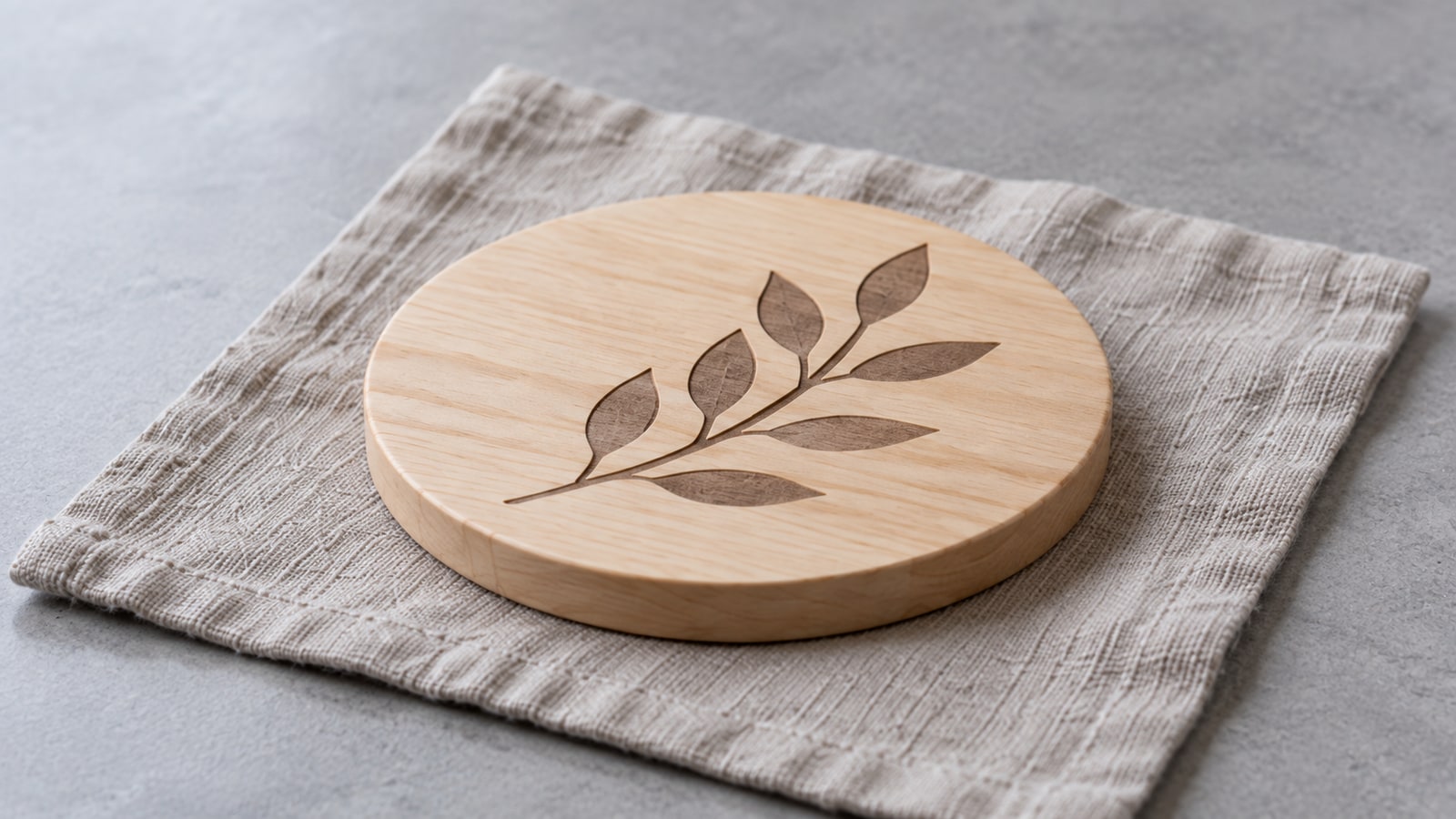
Using a mockup as proof of workmanship. A rendered preview can illustrate a design concept, but it cannot demonstrate the material or finish of a piece you made. Use photographs of the actual finished work for a handmade listing. The illustrations in this tutorial demonstrate composition and setup, rather than documenting a product we manufactured.
Heavy filters. Warmth and contrast pushed too far make wood look fake and make the buyer wonder what the real thing looks like.
Editing, lightly
Very little is needed and too much is worse than none.
Straighten it. Crop tight enough to fill the frame. Nudge exposure so the piece is not sitting in gloom. Correct the white balance if the wood has gone orange, which it usually has under indoor light.
Then stop. The aim is that the photograph looks like the object. A buyer whose parcel does not match the listing photo is a refund and a bad review, and the fastest way to cause that is an edit that flatters the product into something it is not.
Where to start
Take one piece you have already made to a window on an overcast day, put it on a plain surface, and rotate it slowly while watching the engraving. Choose an angle that shows the actual marks clearly while keeping the material color accurate. Add a separate lower view if it helps explain the edge or surface.
Compare the views and keep the ones that answer different questions about the piece.
Then think about what you are photographing. Our post on what sells at a craft fair covers the range of products worth having, and pricing handmade work covers what those photos need to justify.
Every design in our catalogue ships as SVG, PNG, JPG, PDF, and EPS, so the same file covers the piece you photograph and the variations you list beside it. Browse the full catalogue at $3.99 a pack, commercial license included with every purchase and no cap on how many physical products you sell.
Frequently Asked Questions
Why do my engraved pieces look flat in photos?
Lighting, exposure, glare and material contrast can all contribute. Try broad side light and rotate the piece to reveal its surface and edges. A shallow laser mark may correctly look almost flat; do not make it appear deeper than it is.
Do I need a proper camera?
A recent phone can make useful listing photographs with controlled light, steady support and accurate focus. A dedicated camera offers additional control, but it is not required to start.
White background or a styled scene?
Both, and in that order. A clean shot that shows exactly what the product is should come first, because that is what somebody is deciding from. Styled shots showing the piece in a room do the emotional work and belong after it.
How do I show how big something is?
Put a familiar object in the frame, or photograph the piece where it will be used. A coaster next to a mug gives useful context. Also provide actual dimensions, since familiar objects vary in size and perspective can mislead.