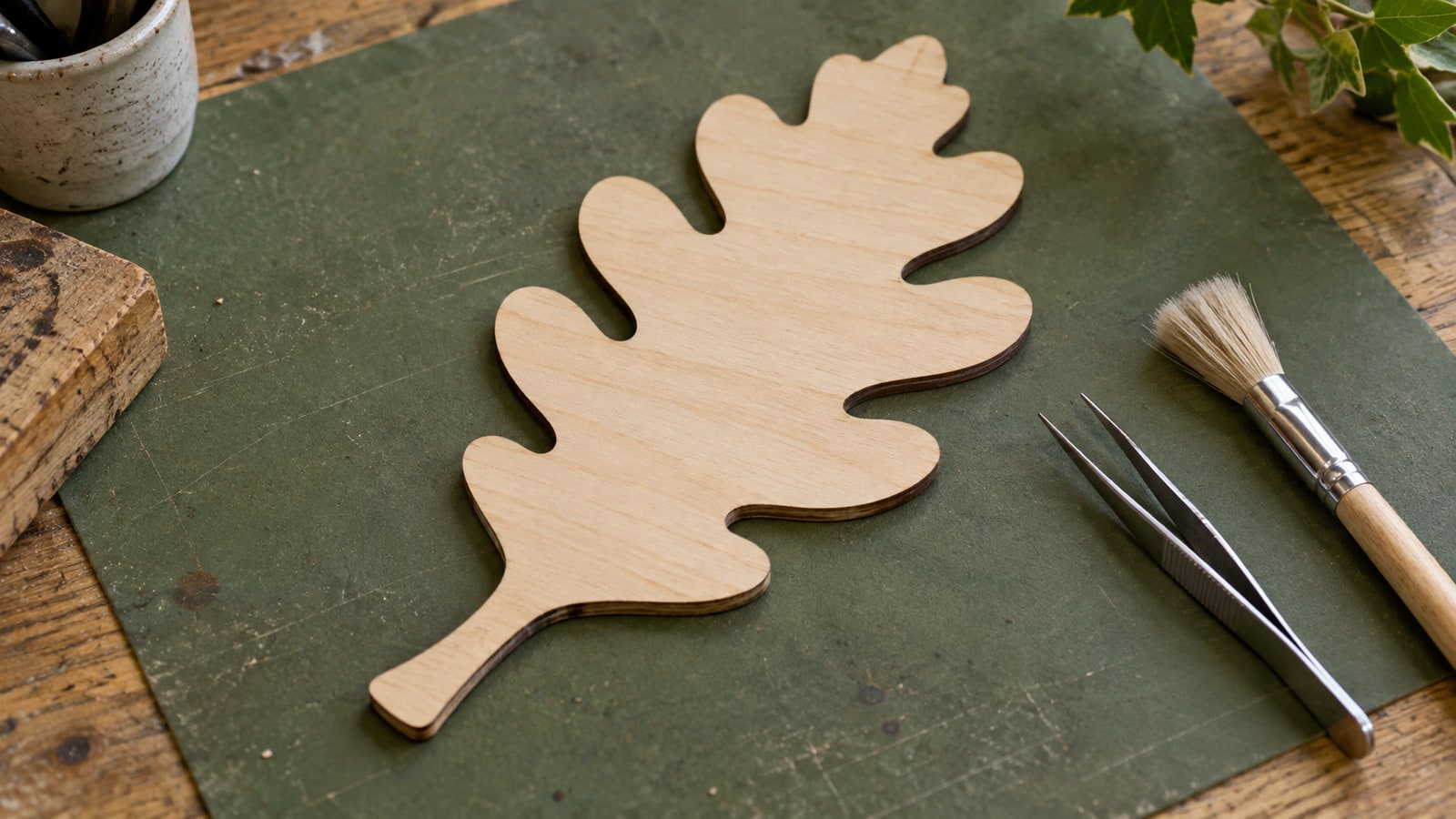
The cut is clean, the shapes are right, and there is a soft brown halo around every opening that was not in your plan. On dark walnut you might live with it. On pale birch it is the first thing anybody sees.
The usual advice is to reach for masking tape, and masking does work. But a fair amount of that staining is caused by decisions made in the file long before the sheet went on the bed, and those are the ones we can speak to properly.
Tip
Short answer: the marks are settled smoke and vaporised resin. Masking gives that deposit somewhere to land that is not your workpiece. Before you reach for tape, though, check three things in the design: how much solid fill you are engraving, how tightly the parts are nested, and whether the file engraves before it cuts.
Where the marks come from
Two different things get called burn marks and they behave differently.
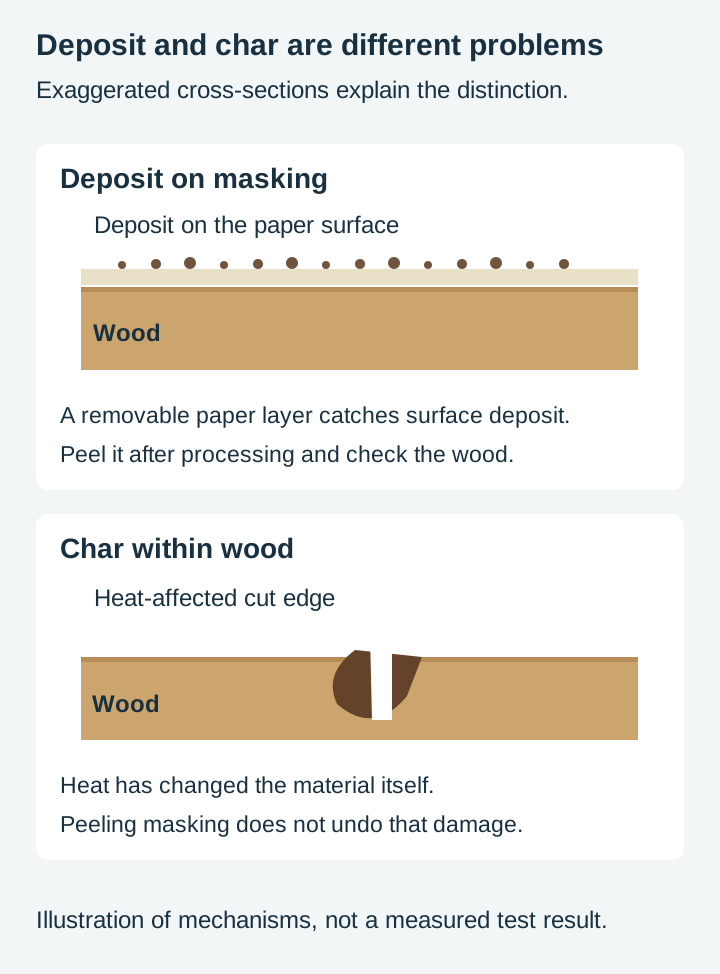
Deposited smoke is material that left the cut as smoke and settled back down on the surface nearby. It sits on top rather than in the wood. This is the halo you can often reduce or remove after the fact, and it is what masking is for.
Scorching is the surface itself being heated at the edge of the cut. That is in the material, not on it, and no amount of wiping will take it off. Machine settings, material and toolpath decisions all affect it, including repeated or closely spaced passes.
Try a gentle dry wipe on a cool offcut first. Color transferred to the cloth indicates at least some surface deposit. A mark that does not lift is not proof of scorching: resin deposits can adhere strongly too. Heavy staining on unfinished wood may need controlled sanding.
Resin matters here too. Sheet goods contain adhesive, and both that adhesive and the wood's own natural resins contribute to what gets deposited. Suppliers identify glue type as relevant to how plywood processes, which is part of why the same design can come off one sheet almost clean and off another looking filthy. Follow the material supplier's own guidance on what their product does under a laser.
The three things in the file
This is the part that is genuinely ours, because it is about how a design is built rather than how a machine is dialled in.
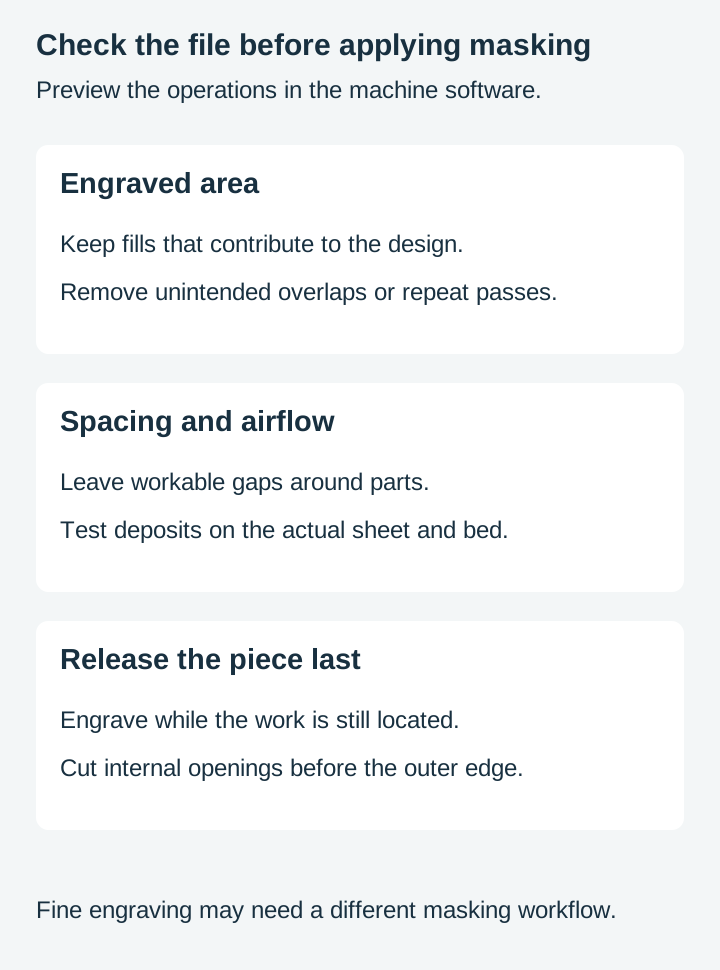
Review large filled areas
A large filled engraving can remove more material than sparse line work at comparable depth, increasing the load on extraction. The actual difference depends on engraved area, depth, interval and power; line work is not automatically cleaner.
The design question is whether the filled area is actually doing the work you think. A large solid shape often reads no better than the same shape rendered as a heavy outline, and sometimes reads worse, because a big flat burn shows every inconsistency in the wood. Our post on low detail versus high detail designs covers the trade in general.
If a fill has to be solid, it has to be solid. But a lot of them do not.
Nesting too tight makes parts dirty each other
Packing parts close together saves material, and there is a real limit to how close is sensible.
Every cut throws smoke sideways as well as down. A part sitting a couple of millimetres from its neighbour catches some of the neighbour's smoke on its face. Spreading the parts out reduces how much of that each piece collects, though it does not eliminate deposits, and extraction and engraving direction matter alongside spacing.
There is a genuine tension here with material cost, and it is a judgement call rather than a rule. The point is that it is a judgement, and tight nesting has a cost that does not show up until the parts come off the sheet. Our nesting post covers the layout side.
Engrave before you cut
An ordering mistake that is entirely in the file, and an easy one to make.
If a design engraves first and cuts second, the surface is intact while all the engraving smoke is being produced, and the piece is released at the very end. If it cuts first, the piece is loose while the head is still working, the sheet now has openings for smoke to pour through, and any engraving after that is happening on a part that can shift.
This is a layer and colour ordering decision in the design, and it is exactly the sort of thing covered in our layers guide. A well-built file makes the order obvious. Even with separate colors, check the operation order in the machine software.
What masking is doing
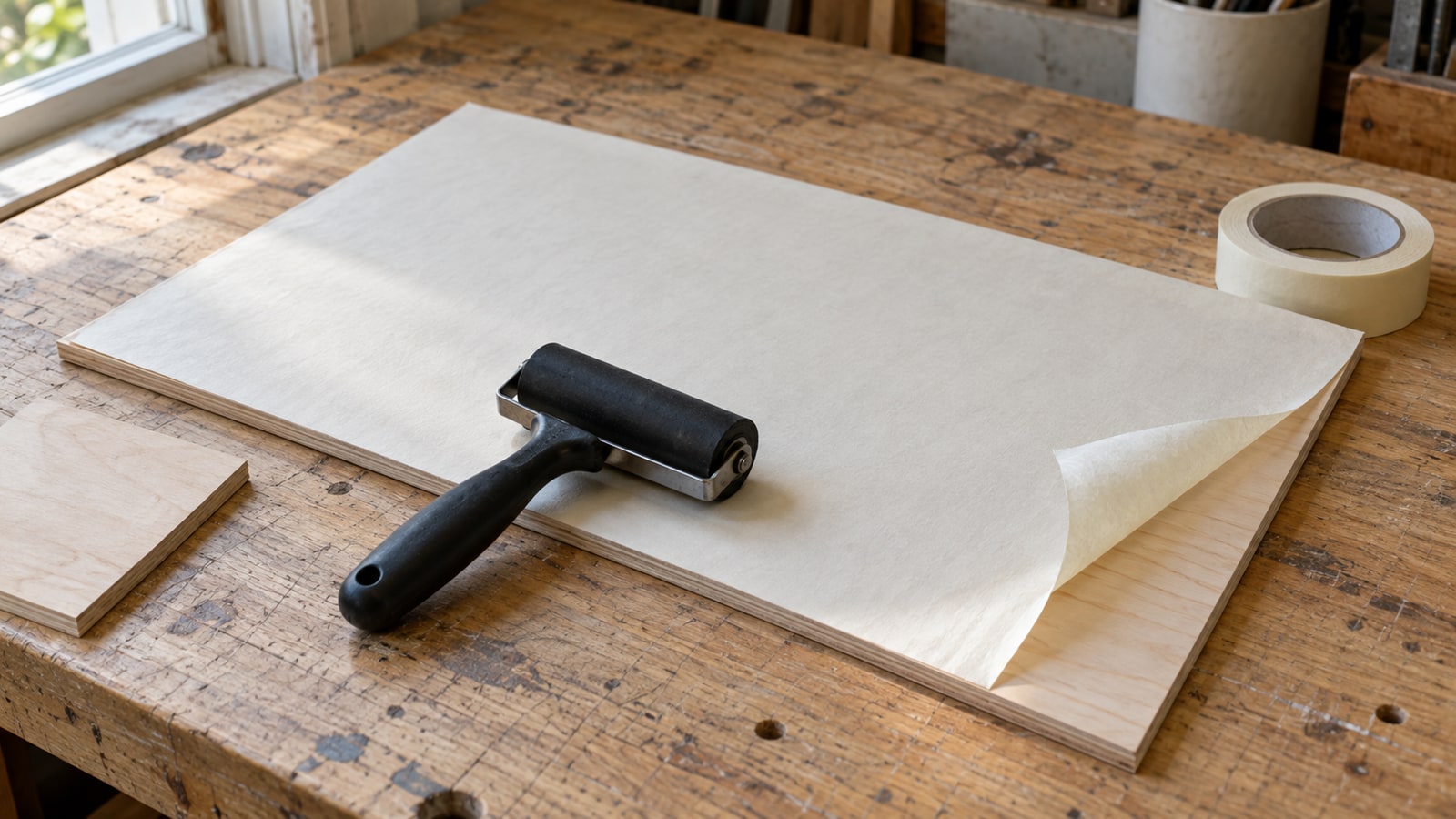
Masking covers the surface so the deposit lands on a sacrificial layer instead of your workpiece, and comes away when you peel it.
The layer can reduce deposited smoke on the face. It does not remove wood that has already charred, or guarantee a pale cut edge.
The specifics of which product to use are where general advice goes wrong. Adhesion, residue, and how a product behaves under a beam all vary by material and by machine, and some adhesives are a poor idea in a laser at all. Manufacturers and material suppliers publish guidance for their own products, and that is the right source rather than a blanket recommendation from anybody who has not tested your combination.
Trotec’s wood guidance recommends removable, PVC-free masking and notes that it is less suitable for photo engraving or very fine work. Test fine artwork with your chosen masking: the extra layer and small leftover fragments can interfere with the result or cleanup.
Two things worth knowing regardless. Masking has to be applied without trapped air, because a bubble lifts the surface away from where it is meant to be protecting. And the underside usually needs as much thought as the top, which is the part people skip.
Why the underside is often worse
A piece that looks perfect can be a mess on the back, and there is usually a straightforward reason. How much this happens depends heavily on the bed and the airflow, so it is not universal.
Smoke is being pulled down and away by extraction, so it travels across the underside on its way out. At the same time, whatever the sheet is resting on can reflect energy back up into it. A solid flat bed does that far more than a bed designed to minimise contact.
This is why honeycomb and pin beds exist, and why some people raise work on standoffs. It is a machine setup question rather than a design one, so follow your manufacturer's guidance, but it is worth knowing that the answer to "why is the back always dirty" is usually the bed rather than the file.
Cleaning up after
If the deposit is sitting on the surface, it usually comes off. The order to try things in runs from gentlest upward, and the reason to start gentle is that aggressive cleaning on unfinished wood raises the grain and leaves you with a different problem.
A dry wipe first. Then a barely damp cloth. Then, if it is still there, light abrasion with fine paper, accepting that you are now sanding rather than cleaning and that you need to do it evenly across the whole face or you will see where you stopped.
Anything solvent-based is material dependent and can drive the stain in rather than lift it, so test on an offcut before you use it on the piece.
The order matters more than the method. Our finishing post covers what to do once the surface is clean, and finish choice changes how visible any remaining marks are.
Test on the material you are actually using
The single most useful habit in this whole area, and the only honest answer to most of the questions people ask about it.
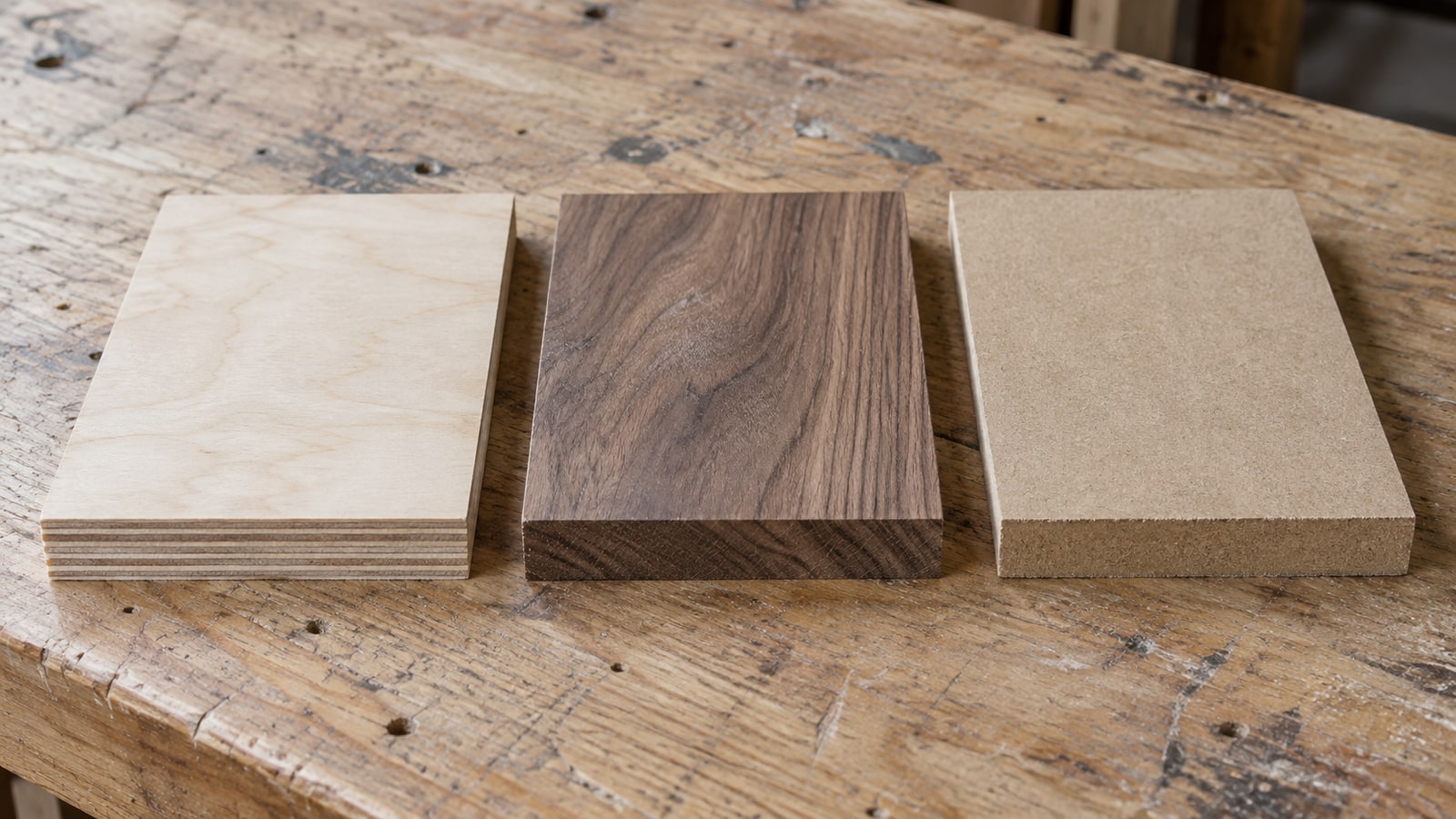
Sheet goods vary enormously between suppliers and between batches from the same supplier. Glue content, moisture, surface treatment, and species all change how much a given design marks. A setup that produces clean parts on one sheet can produce a stained mess on the next one, with no change on your end at all.
Cut a small piece of the most demanding part of the design, on the actual sheet, before you commit the whole thing. Our test cuts post covers doing that properly.
Where to start
Open the file you are about to run and check the three design things: how much solid fill it carries, how tightly the parts are packed, and whether the engrave layer runs before the cut layer. Those cost nothing to change and they happen before any tape gets involved.
Then mask, following the guidance for your material and machine, and test on an offcut of the sheet you are actually going to use.
Our designs ship as SVG, PNG, JPG, PDF, and EPS. Assign the operations your project needs in the destination software and verify engraving, internal cuts and the final perimeter in its preview. Browse the full catalogue at $3.99 a pack, commercial license included with every purchase.
Frequently Asked Questions
What actually causes the brown staining around a laser cut?
Smoke and vaporised resin. The cut releases material as smoke, and some of it settles on the surface next to the cut and on the underside of the sheet. On pale woods that deposit is very visible, and on resin-heavy sheet goods it can bond to the surface rather than sitting loose on it.
Does masking tape actually help?
It gives the deposit somewhere to land that is not your workpiece. The tape takes the staining and comes off with it. It is a widely used practice, but the right product varies by material and machine, so follow the guidance from your material supplier and machine manufacturer rather than a blanket recommendation.
Can the design itself reduce burn marks?
File choices can affect deposits and heat. Large fills may remove more material than sparse line work, tight nesting can expose neighboring parts to smoke, and cutting first can release parts before engraving is finished. The laser head is noncontact; the concern is movement and processing order, not dragging across the surface.
Why can the underside be worse than the top?
Airflow and bed contact can concentrate deposits or flashback marks underneath. This depends on the machine, extraction, support bed and material; the underside is not always worse.